Beginners
Plain explanations, low-risk experiments on the device you already own, and a visible result at the end so you can see it worked.
🛟 Safety
Nothing here can break your phone or computer. Every step is reversible.
Projects
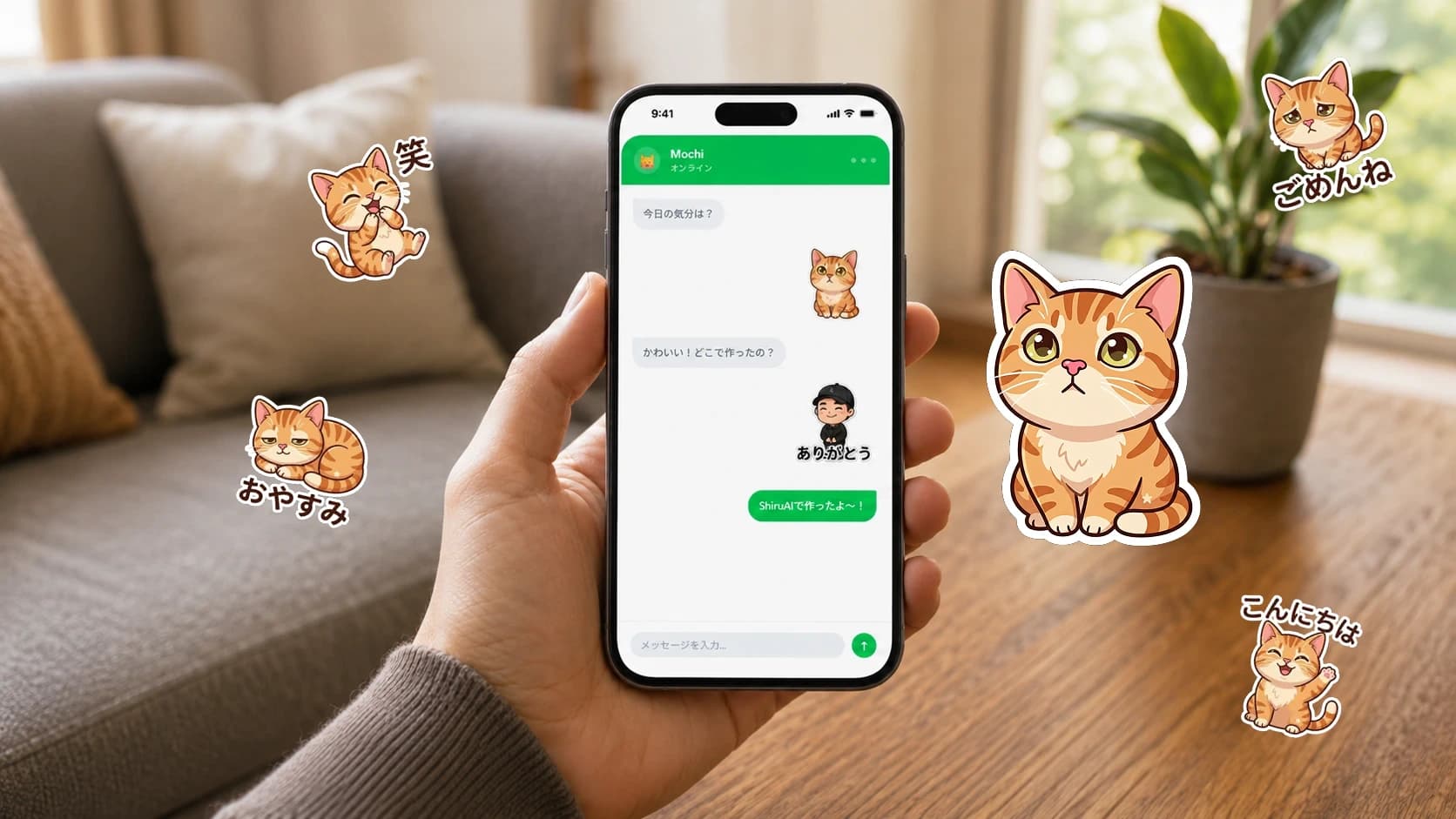
Turn a pet photo into LINE stickers
Make a playful set of LINE stickers from a photo of your pet in a few minutes — no design skills needed.
Create a family memory video
Turn a handful of photos and clips into a short, heartfelt memory video with music — great for birthdays and anniversaries.
Make a simple personal website
Build a clean one-page website about you or a project in under an hour — no coding required.
Practice a language conversation
Rehearse a real-life conversation in a language you're learning, at your own pace and without embarrassment.
Make a custom celebration invitation
Design a beautiful invitation for a birthday or gathering in minutes, and share it as an image or link.
Make your first digital illustration
Create an original illustration from an idea in your head — a gentle first step into digital art with AI.
Organize your family photographs
Tame thousands of photos into something you can actually find and enjoy, using search and albums.
Courses
AI for Complete Beginners
A short, hands-on course that takes you from 'I've never used AI' to confidently finishing a real project — no jargon, no pressure.
Smartphone AI for Seniors
Do everything from your phone: restore a photo, record a memory, and use AI safely — with larger text and fewer steps.
Guides
What is generative AI, in plain words?
A jargon-free explanation of generative AI: what it is, what it's good and bad at, and how to use it sensibly — no technical background needed.
Is AI safe to use? A practical guide
Understand the real risks of everyday AI — privacy, wrong answers, and scams — and simple habits that keep you safe.
How AI uses your data (and how to limit it)
A plain explanation of what happens to what you type and upload, and the settings that give you more control.
How to recognize AI-related scams
Scammers now use AI to fake voices, photos, and messages. Learn the warning signs and how to protect yourself and your family.
Smartphone-friendly AI tools for beginners
You don't need a computer. Here's how to pick AI tools that work well on a phone, with a beginner-friendly starting point.
Tutorials
Write your first AI prompt
A precise, five-step walkthrough for writing a message that gets you a genuinely useful answer from any AI assistant.
Make stickers from a photo, step by step
A detailed walkthrough for turning a single photo into a small set of clean, ready-to-use stickers.
Set up a phone for comfortable AI use
Adjust text size, contrast, and voice input so AI apps are genuinely comfortable to use — great before any senior project.
Collections
First AI projects for complete beginners
Five gentle, satisfying projects to try if you've never used AI before — each finishes with something real to show for it.
15-minute technology projects
Short on time? These quick wins each take about fifteen minutes and end with something real.