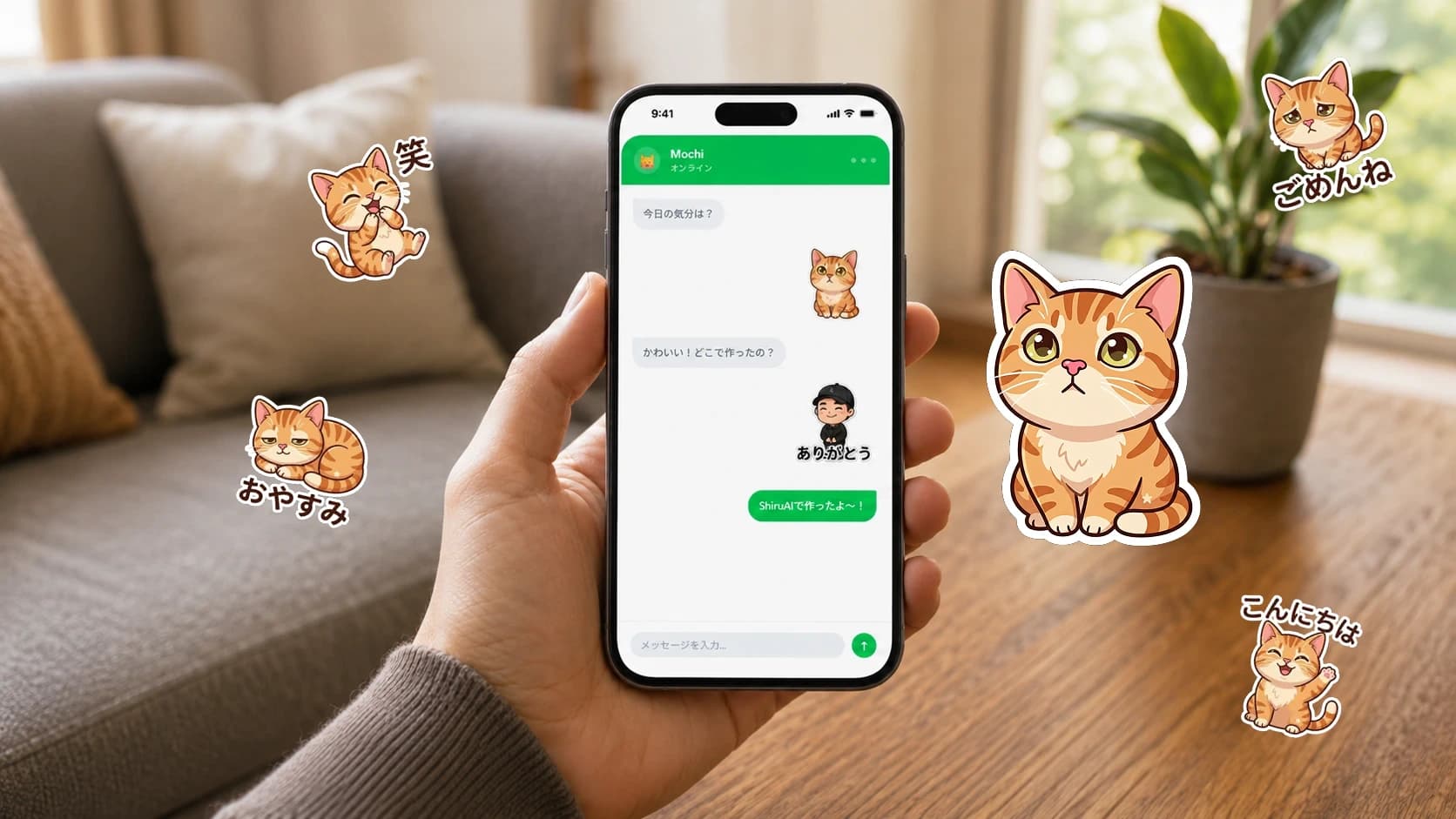
Make stickers from a photo, step by step
A finished sticker set from one photo.
About 15 minEasyFree to startSmartphone
Last reviewed: 2026-07-22 · SeishunAI Editorial
Outcome
A finished sticker set from one photo.
This walkthrough covers the exact steps and the common snags, so your first sticker set comes out clean.
- 1
Pick the right photo
Well-lit, front-facing, subject filling the frame. Avoid busy backgrounds.
- 2
Remove the background
Most sticker tools do this automatically; check the edges are clean.
- 3
Choose expressions
Pick 3–6 that you'd actually send in chats.
- 4
Add short captions
One or two words, bold, so they read at small sizes.
- 5
Export the set
Download in the format your messaging app expects.
Troubleshooting: if edges look rough, try a photo with more contrast between subject and background.