Turn a child's drawing into a digital character
A digital character you can print, use as a sticker, or put in a story.
What you'll make
A tidied-up digital version of your child's drawing, in 2–3 poses.
Outcome
A digital character you can print, use as a sticker, or put in a story.
Before you start
- A drawing on paper
- A phone camera
Kids love seeing their drawing become 'real.' The goal is to celebrate their design, not replace it — so we keep the shapes and just tidy the lines and colors.
- 1
Photograph the drawing
Lay it flat in good light and take a straight-on photo.
- 2
Ask for a clean version
Upload it to an image tool and ask: "Clean up this child's drawing with neat lines and bright colors. Keep the same design."
- 3
Request a couple of poses
"Show the same character waving and sitting."
- 4
Save and use it
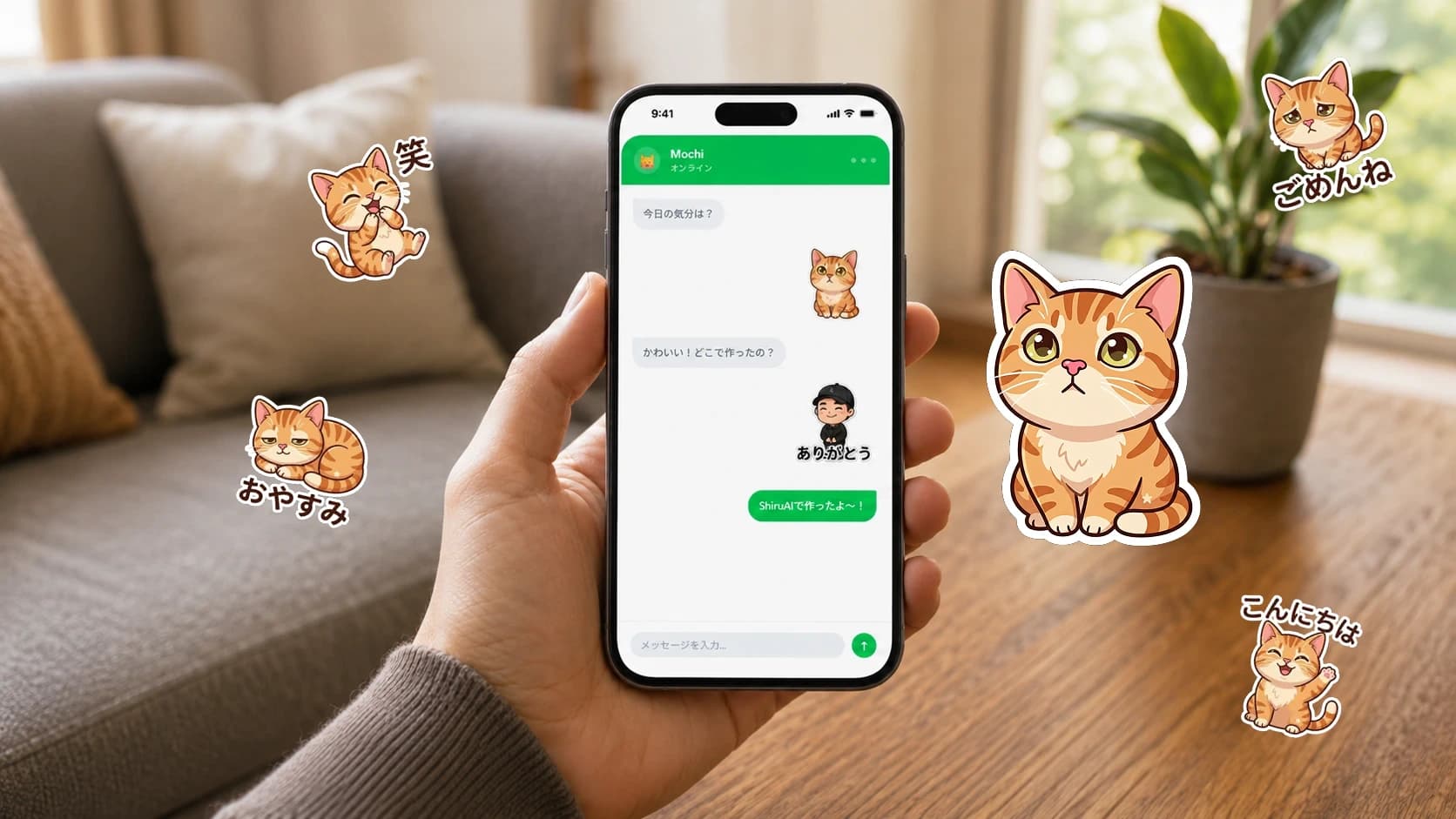
Download the images. Print them, use them in a story, or turn them into stickers.
"Keep it simple and friendly, like the original crayon drawing."
Example: a crayon cat becomes a clean cartoon cat waving, sitting, and sleeping.
Privacy
- A drawing is safer to share than a face — but still your choice.
Safety
- Ask the AI to keep the child's design; don't let it replace their idea.
Accessibility
- High-contrast outlines help if you'll print in black and white.
Made different for you
Why this is useful for you
Your drawing comes to life and can wave and sit!
Draw your character first. A grown-up helps take a photo and ask the computer to color it in.
→ Your own character you can print and keep.
Related tools
Next steps
Related resources
Start this project
Open SeishunAI with this project ready — no need to explain what you want.
Start this project →